TIKTOK SHOP U.S. · LOGISTICS OPERATIONS
TikTok Shop Shipping Protection and Insurance: Capture the Evidence Before the Package Is Lost
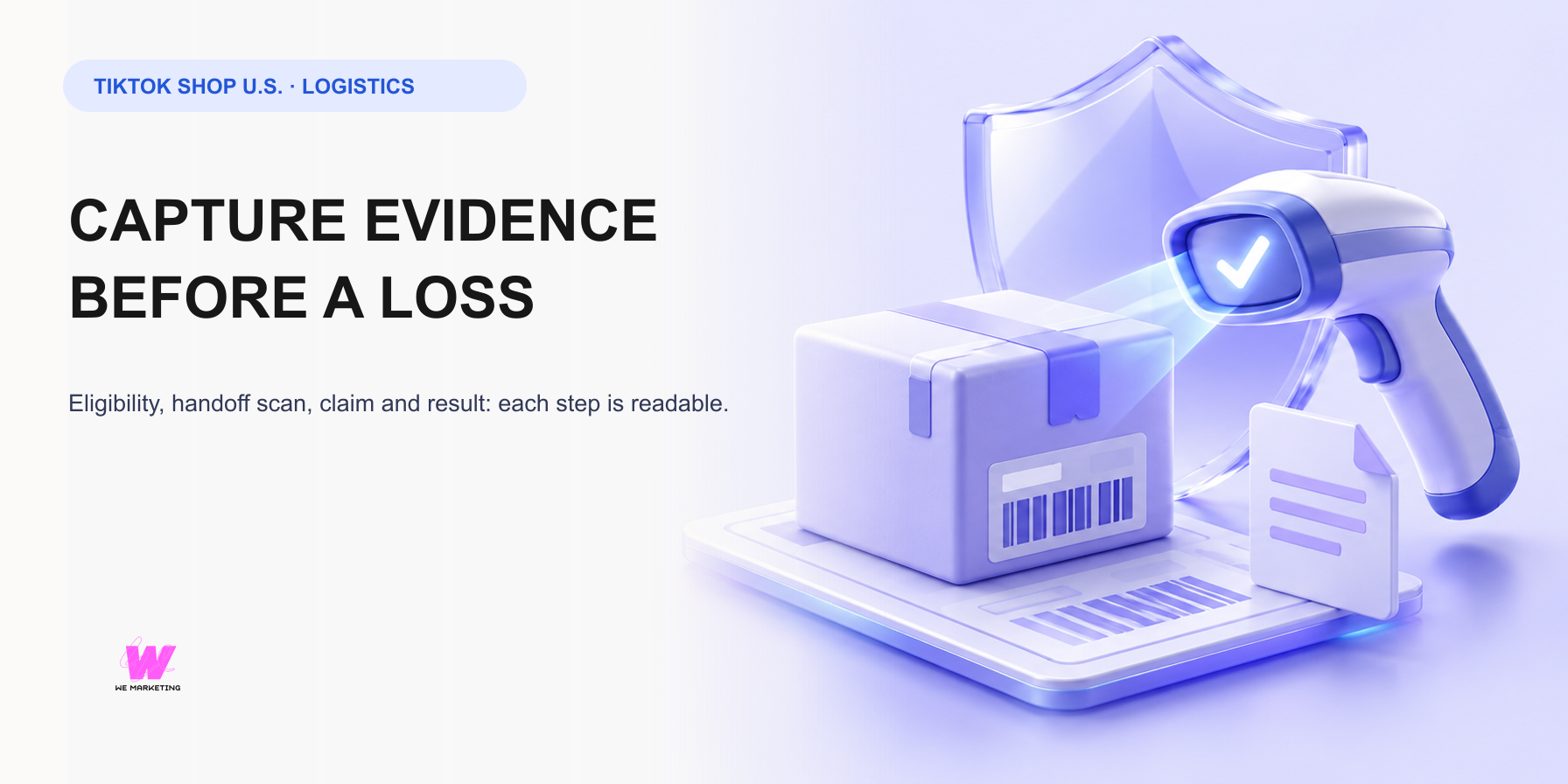
Direct answer: coverage starts with a verified operating path
Shipping Protection is not a retroactive rescue plan. TikTok Shop’s current U.S. guidance separates paths that look similar but work differently: the TikTok Shipping/CBT protection program applies to eligible packages after the required status changes, while the Seller Shipping Protection program is operated by third-party providers for eligible 3PL seller-shipped packages after enrollment and carrier pickup. The first job is to identify which fulfillment path the order actually uses.
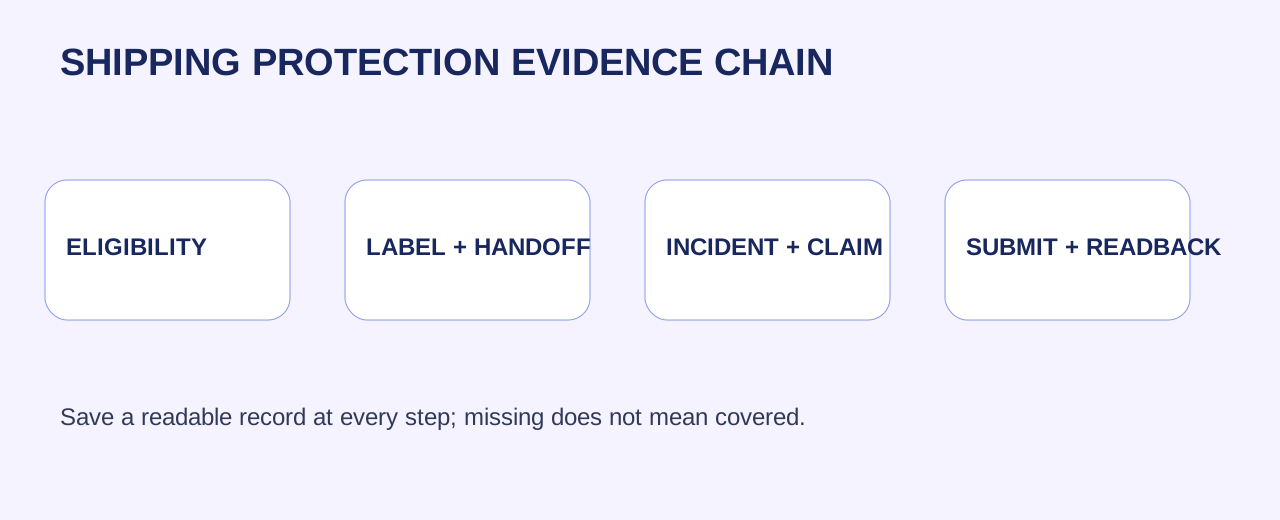
Create a one-row protection record for every route your team offers: program name, fulfillment type, enrollment state, shop or package scope, fee rule, effective event, claim entry, evidence requested, deadline, owner and readback location. Do not label a package covered because it has a label, a scan screenshot, or a marketing description. Coverage is an account and order-state fact.
Separate eligibility from the event that activates protection
For the TikTok Shipping and CBT program, the current guide says the program applies to upgraded TikTok Shipping and CBT, with the service entry in Fulfillment settings. It states that protection is purchased when a subscribed package reaches In Transit, and an Awaiting Collection package without tracking is not claimable under that protection. For eligible 3PL seller-shipped packages, the separate seller program says coverage begins after carrier pickup once enrollment is active.
That difference changes what the warehouse must prove. Record order ID, package ID, fulfillment method, program state, service selection, label time, warehouse handoff time, carrier pickup scan, status transition and source link. If the order is still awaiting collection, treat the missing activation event as an operational exception to resolve, not as an insurance claim.
Confirm the economics without copying numbers into a generic rule
The current TikTok Shipping/CBT guide describes a 1% service fee on packages above $100 and a fee waiver at or below $100, using the buyer-paid amount plus platform subsidy as package value; it also describes a maximum $15,000 subscribed compensation baseline and a $100 baseline without subscription for packages above the threshold. The 3PL seller program describes a different initial 1.2% fee on pre-tax item value, a $0.01 minimum and its own terms.
Do not merge these figures into one spreadsheet column called insurance. Store the applicable program version and current terms link beside the order. Finance should reconcile the actual platform or provider charge to the declared fulfillment path, package value and pickup event. Any mismatch is a review queue, not an invitation to assume coverage or reimbursement.
Make the handoff scan a first-class evidence item
A label proves intent to ship, not handoff. The TikTok Shipping guide says correct weight and dimensions matter because the provider may verify them and adjust charges after handover. It also distinguishes CBT couriers from other carriers and warns that incorrect handling can create tracking issues and remove service protection.
At dispatch, retain the label, packed-package photo where operationally appropriate, weight and dimensions used, warehouse release record, manifest or pickup record, first carrier scan, and the Seller Center status readback. Use one package-level identifier that can connect these records. When a scan is absent, the smallest useful next action is to verify whether the parcel is packed, staged, handed to the correct carrier or still physically in the warehouse.
Open the right claim from the right page
The TikTok Shipping program describes automatic claims for eligible triggered scenarios but says DNR and partial-damage claims must be submitted through Manage Orders or Manage Returns, including package-specific paths for multi-package orders. The seller-shipping program likewise requires a Claim Eligible status after the related aftersales case is approved, then supporting evidence and submission in Seller Center.
Build a claim intake checklist: order and package ID, applicable program, incident type, event timeline, customer or aftersales case ID, photos, carrier or warehouse proof, police report where the program page requests it, requested reason and the submitted timestamp. A free-form narrative cannot replace the claim-page fields. Preserve the confirmation screen and the resulting status in a ledger.
Treat loss, damage and DNR as distinct evidence problems
The public program pages list loss, damage and delivered-but-not-received as covered scenarios subject to terms; the TikTok Shipping guide also identifies tracking stagnation beyond 10 calendar days after successful pickup. These categories should not share one evidence folder. Loss needs a clean handoff and tracking sequence. Damage needs condition evidence and package context. DNR needs the delivered status, the resulting aftersales path and the evidence requested by the live claim page.
For a multi-package order, keep a packet per package. A package-level claim result does not prove the status of another package. When the platform requires a customer-facing aftersales decision before the claim, capture that decision, then move to claim submission. Never manufacture a deadline, outcome or reimbursement amount from an older SOP.
Read back the result and close the financial loop
Submitting is not completion. The program pages direct sellers to View Activity, order or returns pages for claim status, and Finance > Transactions or invoices for relevant settlement information. The separate 3PL program says its provider reviews and pays claims under its terms, so a TikTok Shop enrollment interface is not a guarantee of acceptance.
Close every case with the live status, decision date, reimbursement or denial amount where shown, finance-record reference, owner and next action. If it remains in process, record in process. If evidence is unavailable, record missing. This gives operations a defensible claim backlog and gives finance a way to distinguish a service fee from a reimbursement.
Use a release gate before peak volume
Before BFCM or any demand spike, run a controlled shipment through each enabled fulfillment path. Verify that the correct program is active, that the shipment reaches its activation event, that order and package views expose the expected claim controls, and that finance can find the related charge. Then test the evidence folder by having a second operator find the handoff record without oral context.
The smallest next action is simple: take the next eligible package and create its evidence ledger before carrier pickup. Add the pickup scan after it occurs, then confirm the program status from Seller Center. That sequence is more useful than promising blanket coverage because it exposes exactly which operational fact is still missing.
Source notes
This WEM operating framework is based on complete current TikTok Shop U.S. guides for TikTok Shipping Protection, Seller Shipping Protection, and shipping TikTok Shipping orders, revalidated October 25, 2026. Eligibility, fees, deadlines, interfaces, carriers and claim results can change; use live Seller Center, current terms and order-level readback before acting.
Related WEM guides
Frequently asked questions
Does a label prove Shipping Protection coverage?
No. Coverage depends on the applicable program, enrollment and its activation event.
When does TikTok Shipping or CBT protection activate?
The current guide says subscribed protection is purchased when the package status becomes In Transit.
Can an Awaiting Collection package be claimed?
The current program FAQ says no for this protection path when it lacks tracking information. Investigate the handoff instead.
What evidence should be retained at handoff?
Keep the label, package ID, warehouse release, pickup or manifest record, first carrier scan and Seller Center status readback.
Are all DNR and damage cases automatic?
No. The live guides direct DNR and partial-damage cases to a claim process through the relevant order or return view.
What is the smallest useful next action?
Create an evidence ledger for the next eligible package before pickup, then add the first scan and program-status readback.