TIKTOK SHOP U.S. · FULFILLMENT CONTROL
What Counts as a TikTok Shop Qualifying Dispatch Event?
Direct answer: a qualifying dispatch event is a shipment event TikTok Shop recognizes when deciding whether an eligible order met its Dispatch SLA. Depending on the order and shipping method, the earliest recognized event may be a carrier acceptance scan, USPS manifest, In-App single scan or In-App batch scan. Printing a label, adding tracking, putting a parcel on a warehouse table or telling the team that pickup occurred is not the same thing.
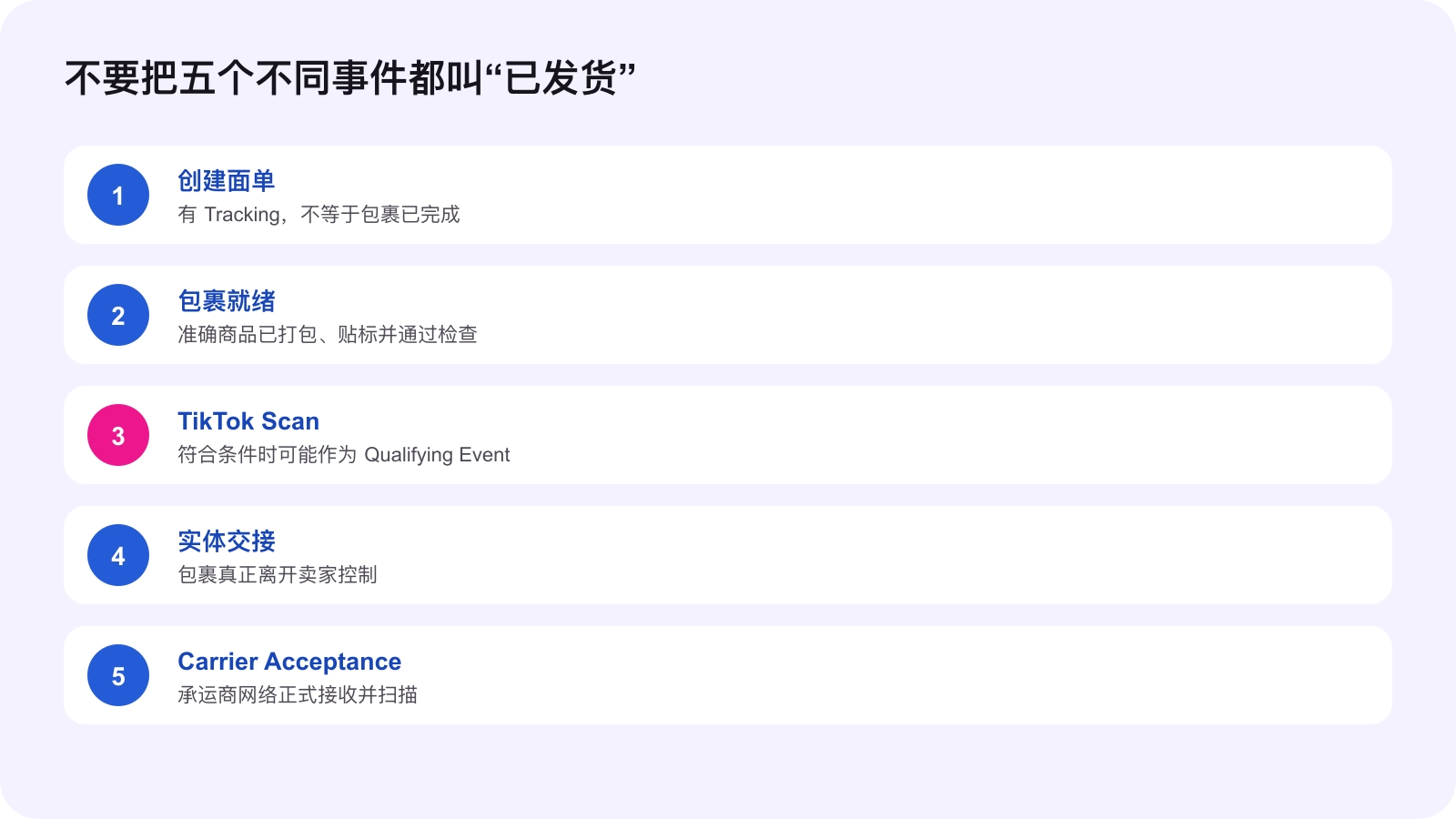
The distinction matters because one order can carry several clocks and several kinds of evidence. A TikTok scan can support Dispatch SLA measurement for an eligible order, yet it does not prove that a carrier physically accepted the parcel. A carrier acceptance scan can establish network induction, but it does not prove the SKU, quantity or packaging was correct. The operating system must preserve both the platform event and the physical handoff.
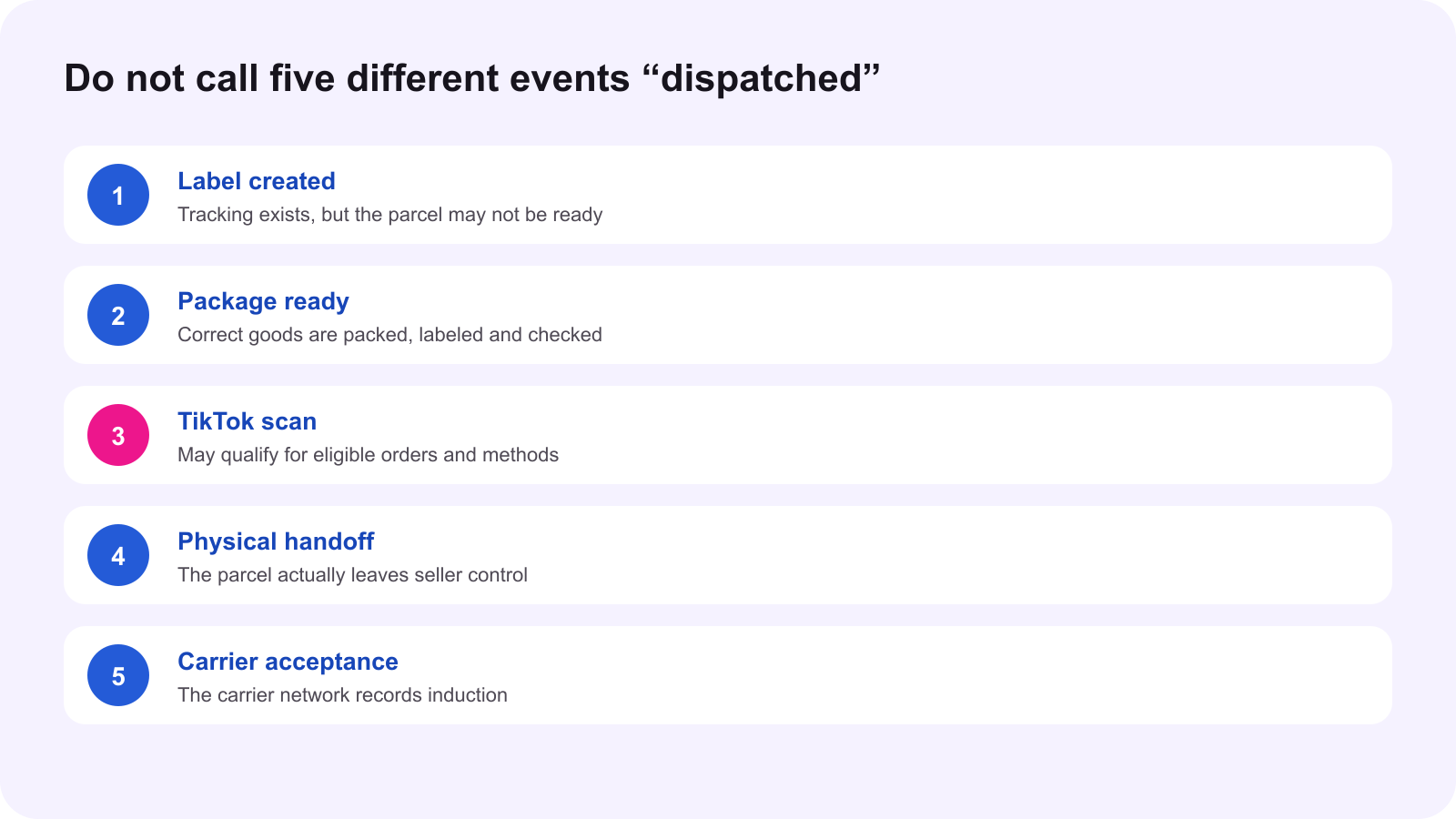
Operating rule: record the event TikTok recognizes, the event the carrier records and the event the warehouse actually completed. Never collapse three different facts into one “shipped” status.
Start with the official event list
TikTok Shop's current Late Dispatch Rate Requirements say that, for eligible orders, the platform may use the earliest available qualifying dispatch event. The listed examples are a carrier acceptance scan, USPS manifest, In-App single scan and In-App batch scan. Eligibility and shipping method matter. The event used for one order should not be assumed for every order, carrier or account.
The current Fulfillment Policy also states that sellers must have orders scanned by a carrier within the Dispatch SLA. Where available and eligible, manifest or In-App Scan events may be used for Dispatch SLA measurement. Sellers remain responsible for accurate preparation and timely carrier handoff. That is the key boundary: an alternate qualifying event can support the platform clock, but it does not eliminate physical fulfillment duties.
Label creation is preparation, not dispatch proof
A shipping label connects the order to a tracking identifier and logistics route. It can move an order into a preparation state, but it does not show that the correct product is inside the box, that the parcel is sealed, that the package is at the correct warehouse, or that anyone has handed it to a carrier. Treat label purchase as a data event.
Use a separate package-ready gate. The warehouse should verify the order, SKU, variation, quantity, label, packaging and carrier route before any scan intended to support dispatch. If a label is canceled and replaced, earlier manifest evidence may not carry over. TikTok's current Manifest guide explicitly says that a package with a new label must be added to a new manifest and scanned again.
In-App Scan can qualify, but only inside its boundary
The current In-App Scan guide applies to selected eligible sellers using TikTok Shipping labels. The seller scans each label in the TikTok Shop Seller App shortly before handoff and follows the app flow to take a package photo. A successful scan records the time and photo. For eligible orders, that event may be recognized for Dispatch SLA measurement.
The same guide says In-App Scan is not available for Seller Shipping. It also says the scan does not change the order status and does not replace actual carrier handoff or the carrier scan. The shopper may see “Package ready for carrier pickup,” which is accurate only if the parcel is fully prepared and promptly released. Scanning early to create a favorable clock while the parcel remains unfinished misrepresents fulfillment activity and can trigger enforcement.
TikTok Manifest is a batch event, not a carrier receipt
TikTok Manifest lets selected sellers using TikTok Shipping labels group packages from one warehouse and scan one QR code when the full batch is ready for handoff. The platform records the first scan time and a photo. For eligible orders, the event may qualify for Dispatch SLA measurement. A repeat scan does not replace the first recorded time.
The warehouse must reconcile the manifest count to the physical batch before scanning. Keep each warehouse separate. A successful manifest scan adds a shipment-confirmation record, but the official guide says it does not replace physical handoff or carrier acceptance. The signed batch count, pickup record and subsequent tracking movement remain essential evidence.
Carrier acceptance answers a different question
A carrier acceptance scan shows that the parcel entered the carrier network. It is stronger evidence of physical induction than label creation or a package-ready record. For USPS workflows, current guidance distinguishes acceptance from a scan form or manifest preparation. The warehouse should still investigate if the accepted package count does not match the released batch.
Do not treat the absence of an immediate carrier scan as proof that no handoff occurred, and do not treat a warehouse statement as proof that the platform received a qualifying event. Preserve both sides, then resolve the gap. The operational objective is not to win an argument about one timestamp. It is to make the order, carrier and platform records converge.
Build a four-proof dispatch record
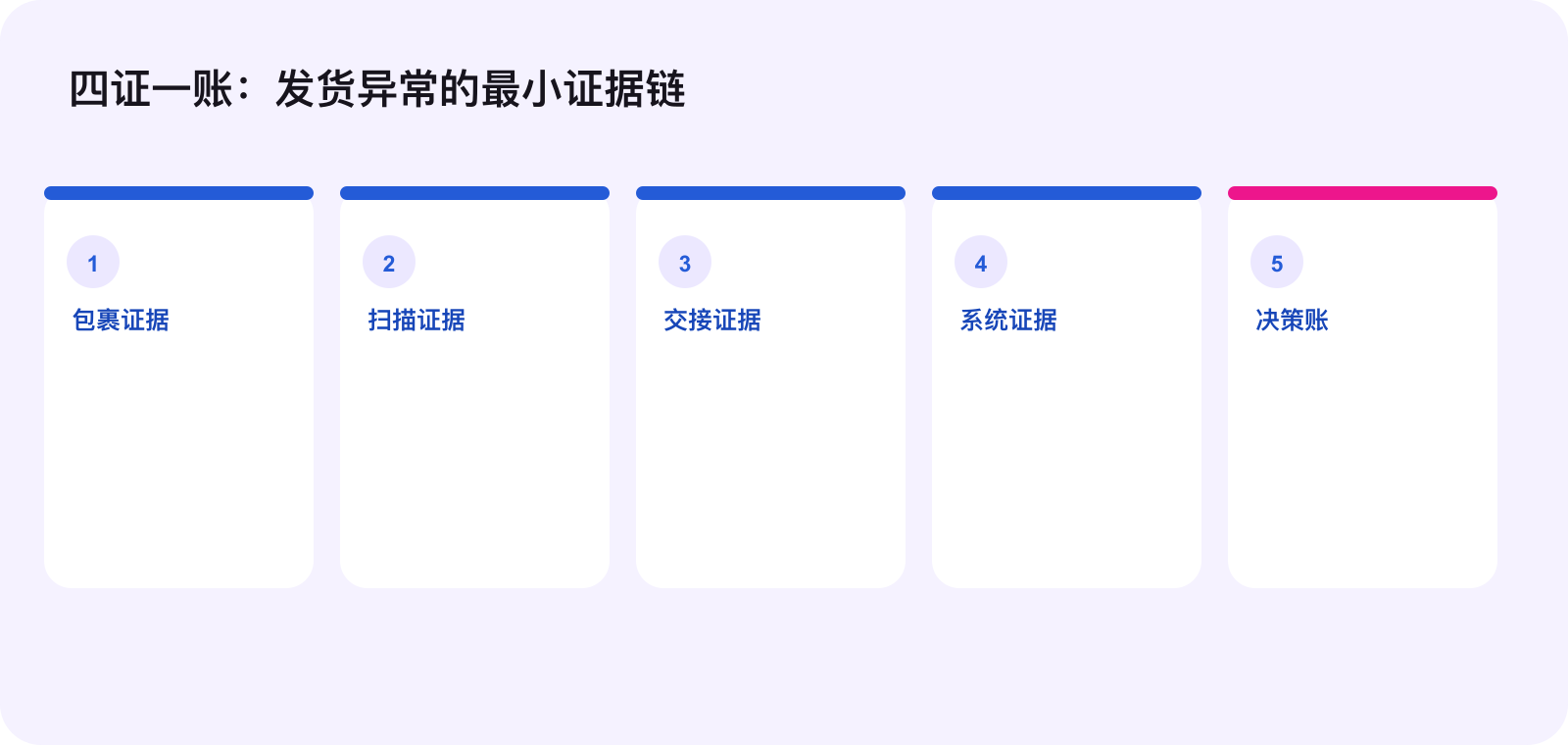
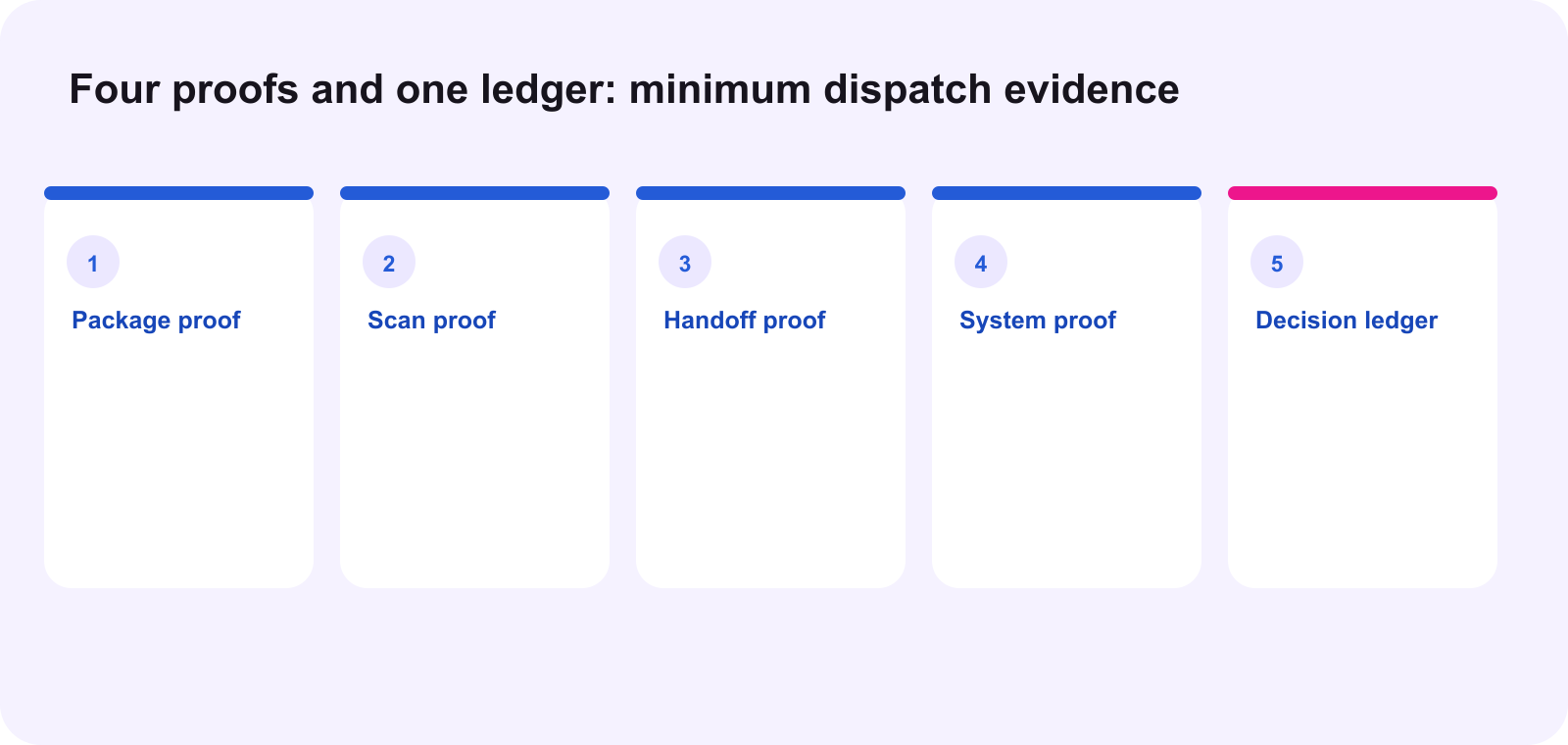
For each controlled batch, preserve four types of evidence. Package proof covers SKU, variation, count, label and packaging. Scan proof covers the exact event, timestamp, photo, manifest and success or failure result. Handoff proof covers carrier, location, batch count, pickup or drop-off time and receipt. System proof covers tracking, order state, applicable SLA and later movement.
Add one decision ledger across the four proofs. Name the owner, deadline, exception, next action and final readback. If a carrier accepted 98 parcels but the manifest contains 100, the ledger should identify the two order IDs and hold them as exceptions. The batch is not “done” because the majority moved.
Use the earliest recognized event carefully
The earliest qualifying event may be used for Late Dispatch Rate measurement on eligible orders. That does not mean the earliest timestamp should automatically drive every internal decision. A package can meet a platform dispatch clock and still create an operational exception if handoff is delayed, the wrong carrier receives it or tracking never advances.
Review the order by shipping method. Seller Shipping, TikTok Shipping, Collection by TikTok and Fulfilled by TikTok do not have identical workflows. In-App Scan has an explicit current boundary. Manifest access is selective. FBT orders are handled differently because TikTok controls the end-to-end logistics. Record the actual route shown on the order instead of applying one SOP to every label.
Run a daily dispatch exception review
- Freeze the cutoff. Identify orders whose Dispatch SLA is at risk today.
- Check the recognized event. Read the native tracking and shipment-confirmation record for each order.
- Reconcile the physical batch. Match label, parcel, manifest and handoff counts.
- Separate missing scan from missing handoff. They require different owners and evidence.
- Escalate by route. Contact the carrier, CBT provider or TikTok support path that owns the missing event.
- Close only on readback. Record the terminal native status or keep the order open as an exception.
A hypothetical warehouse example
The following is an operating example, not a client result. A warehouse creates a 120-package TikTok Manifest at 3:40 PM. The app scan succeeds at 3:46 PM, but the carrier receipt lists 118 packages at 4:05 PM. The platform event may qualify for eligible orders, yet the physical record exposes two unresolved parcels.
The operator does not mark the entire batch complete. They identify the two order IDs, verify whether each parcel remained at the dock, save the first scan record, preserve the carrier receipt and assign an owner before the cutoff. If one label was replaced, that parcel enters a new manifest flow. The final ledger records what the platform recognized and what the carrier actually accepted.
The smallest useful next action
Take one dispatch batch from today. Write five timestamps in one row: label created, package ready, TikTok scan, physical handoff and carrier acceptance. Attach the exact native or physical evidence for each. If one field is Unknown, assign its owner and deadline instead of calling the order shipped.
Source notes and execution boundary
This original WE Marketing dispatch-control framework draws on the current TikTok Shop U.S. Seller University In-App Scan, How to Create and Scan a TikTok Manifest, Late Dispatch Rate Requirements and Fulfillment Policy, revalidated October 13, 2026. The official materials define current event eligibility and responsibilities. WEM adds the five-event separation, four-proof record and exception ledger. Availability, account eligibility, carrier behavior, interfaces and policy wording can change. Verify the current order, Seller Center and carrier record before acting.
Frequently asked questions
Does printing a shipping label count as a qualifying dispatch event?
No. A label and tracking number prepare the order record, but they do not prove package readiness, a qualifying scan, physical handoff or carrier acceptance.
Which events may qualify for dispatch SLA measurement?
For eligible orders, TikTok Shop may use the earliest recognized carrier acceptance scan, USPS manifest, in-app single scan or in-app batch scan, depending on the order and shipping method.
Does an In-App Scan change the order to In Transit?
No. TikTok says it adds a shipment-confirmation event but does not replace carrier handoff or the carrier scan.
Can Seller Shipping orders use In-App Scan?
The current In-App Scan guide says no. It is available only to selected sellers using TikTok Shipping labels.
Does a TikTok Manifest prove every parcel was accepted by the carrier?
No. It records the batch scan and photo. The physical package count and later carrier acceptance still require separate reconciliation.
What should the team do when the qualifying event is missing?
Identify the exact order and SLA, preserve package and handoff evidence, contact the responsible carrier or TikTok support path, and monitor until the native status is resolved.