TIKTOK SHOP U.S. · NEW SHOP OPERATIONS
How to Grow While Your TikTok Shop Is Still in Probation
WE Marketing Team · Aug 18, 2026 · 14 min read
Direct answer: grow inside the capacity you can fulfill, not at the limit you hope to unlock
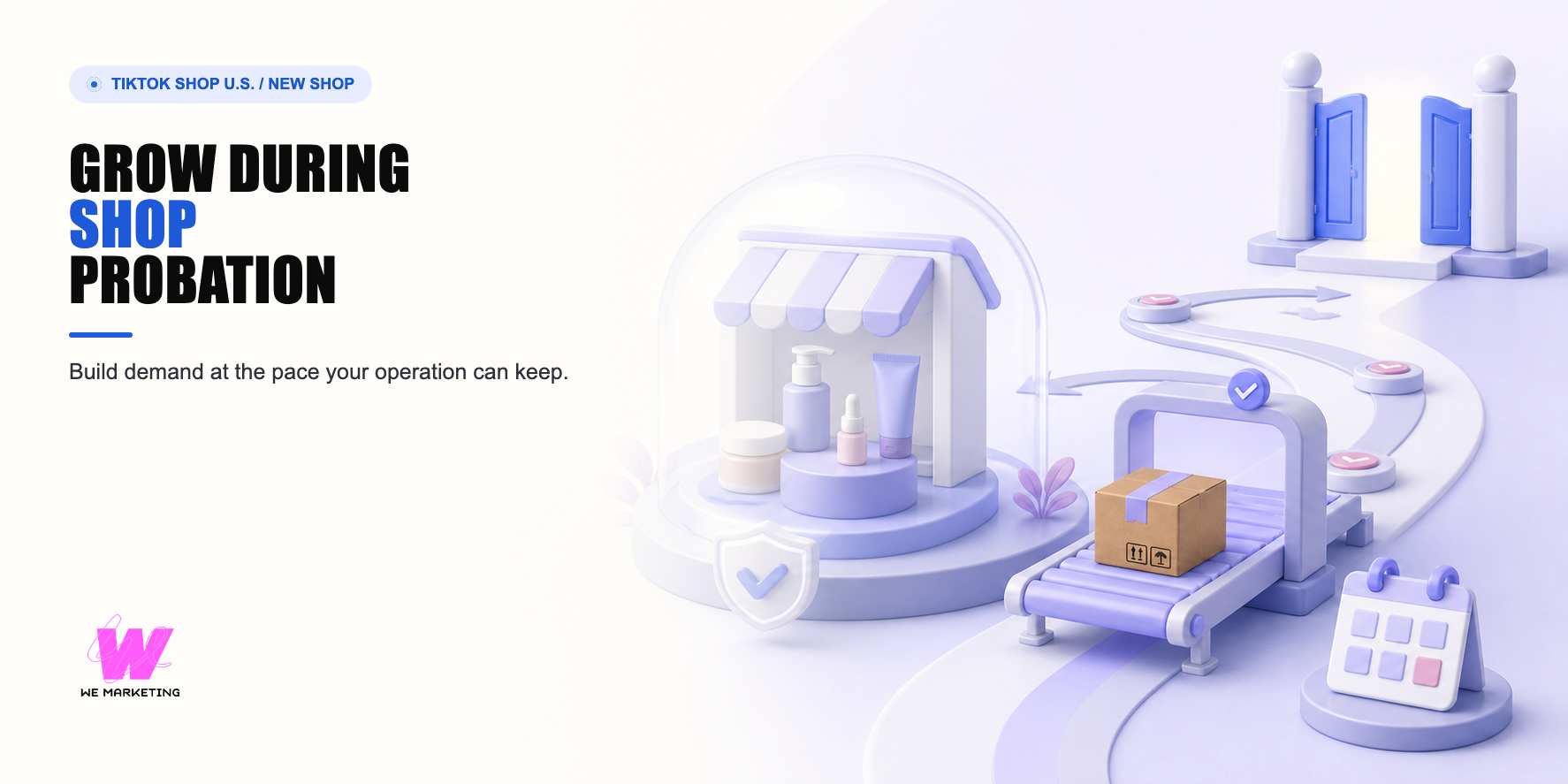
New Shop Probation is not a reason to stop marketing, and it is not permission to chase the daily order cap. Treat it as a constrained-capacity launch. Concentrate demand on a small number of shop-ready products, build product-card and creator proof, keep a buffer below the current order and listing limits, and protect fulfillment, customer support, listing accuracy, and account health while the shop earns more capacity.
WEM's operating correction is simple: graduation is an outcome of reliable operation, not the only growth strategy. A shop can use the period to learn which product, creator, content angle, offer, and service promise deserve expansion. If the team waits passively, it loses learning time. If it drives demand faster than it can fulfill, it risks damaging the exact signals needed for a healthy ramp.
During probation, the growth target is not maximum demand. It is repeatable demand that the current operation can safely absorb.
Read the live constraint before choosing the plan
The current U.S. program describes probation as a standard ramp-up for new shops, not a penalty. It uses order and product-listing limits that can rise through stages as the shop completes tasks and demonstrates reliable fulfillment, accurate listings, responsive support, and policy compliance. The official page currently describes Beginner, Standard, Premium, and Pro stages with different limits, while also warning that a shop's Order Volume Limit can be temporarily reduced during account, performance, compliance, or security review.
Do not build a launch forecast from a remembered tier table. Open the current Probation page, Seller Center homepage, Manage Orders, and Account Health for the actual shop. Record the current order limit, product limit, checklist, review status, violations if any, shipping capacity, cancellation pattern, return pattern, and support backlog. A lower limit does not automatically mean a violation, but it is a real capacity boundary until the live account changes.
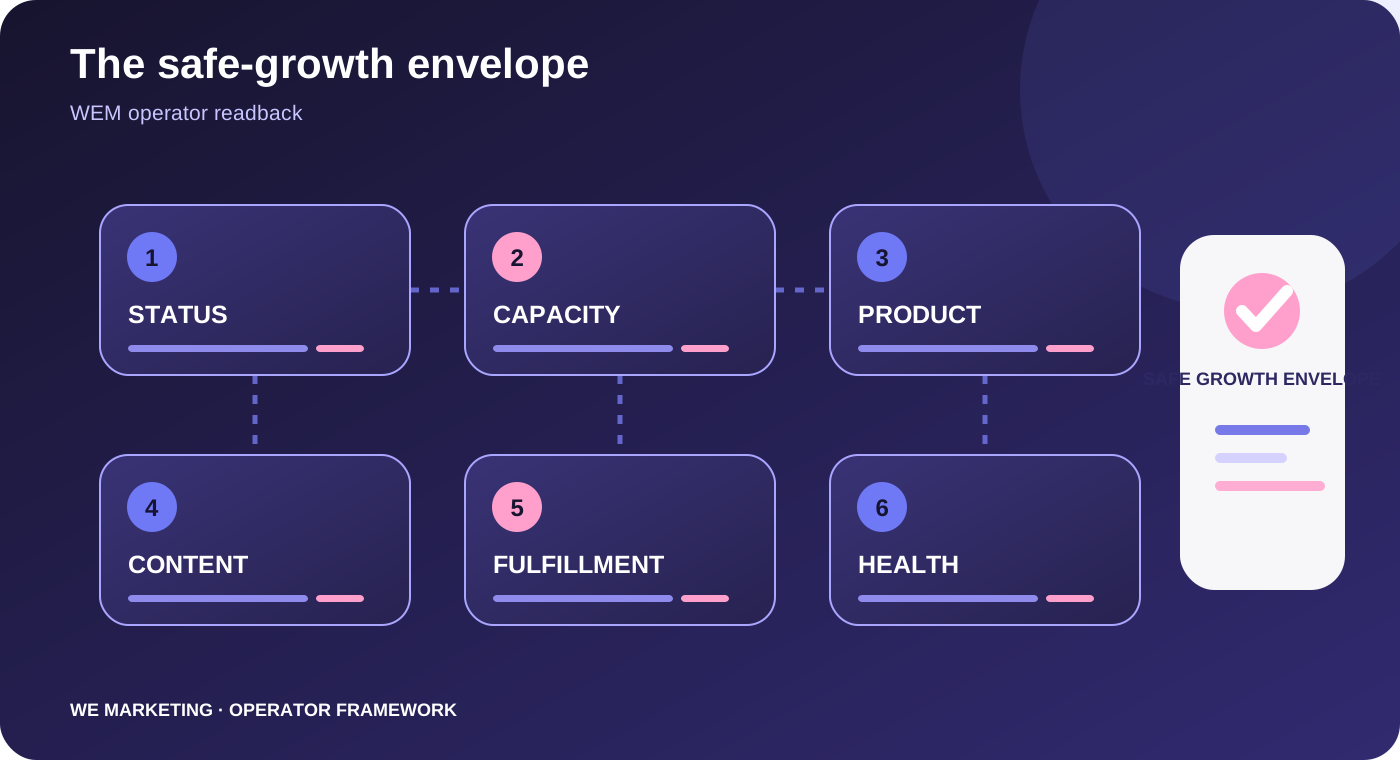
The WEM safe-growth envelope
| Layer | Decision | Do not scale when |
|---|---|---|
| Capacity | Set a daily demand and fulfillment buffer below the live OVL. | Orders already create late shipping, cancellation, or support risk. |
| Product focus | Use one to three hero products with clear variation, stock, proof, and margin. | The catalog is wide but the team cannot keep key variants accurate. |
| Listing quality | Make titles, images, details, sizing, pricing, shipping, and claims accurate. | Content promises more than the PDP can support. |
| Creator and content | Run small cohorts that answer real buyer questions and create reusable learning. | Sample volume is larger than follow-up and fulfillment capacity. |
| Demand pacing | Use offers, campaigns, and paid support only inside available inventory and service capacity. | The team cannot stop or reduce a lever quickly. |
| Account health | Review probation tasks, OVL, violations, customer experience, and support exceptions daily. | A live operational or compliance issue is unresolved. |
Build demand in three controlled lanes
Product-card lane: make the product understandable without requiring a video. Current official guidance emphasizes accurate titles, strong product details, clear images, variation and sizing information, realistic pricing, sufficient stock, and policy-safe content. Product cards can appear across recommendation and shopping surfaces, so they are part of the new shop's discovery system, not back-office setup.
Creator and content lane: start with selected creators and a small content thesis. Choose people who could genuinely want the product or explain it to the right buyer. Give them a short brief with truthful proof, two or three usable angles, correct linking instructions, and a responsive contact. Track response, sample acceptance, delivery, posting, product clicks, questions, and orders as separate stages.
Offer and traffic lane: use promotions, campaigns, Sales Accelerator tasks, and paid support only when the product page, inventory, shipping, margin, and content pool are ready. Program eligibility, thresholds, rewards, credits, and exact tasks are volatile. Treat the current account recommendation as an opportunity to evaluate, not an instruction to spend or discount.
A four-week constrained-capacity sequence
Week 1: stabilize the promise
Confirm live limits and tasks. Select one to three products. Repair titles, images, variations, claims, price display, shipping expectation, inventory, and support answers. Define the order buffer and the owner who can pause demand.
Week 2: create buyer proof
Launch a small merchant-content and creator cohort around the most visible buyer questions. Do not approve more samples than the team can track from request through posting. Feed recurring questions and objections back into the product page.
Week 3: concentrate the signal
Move time and support toward the product, creator, and content paths producing useful evidence. Repair weak conversion before increasing traffic. Keep inventory and fulfillment owners in the same decision loop.
Week 4: earn the next level
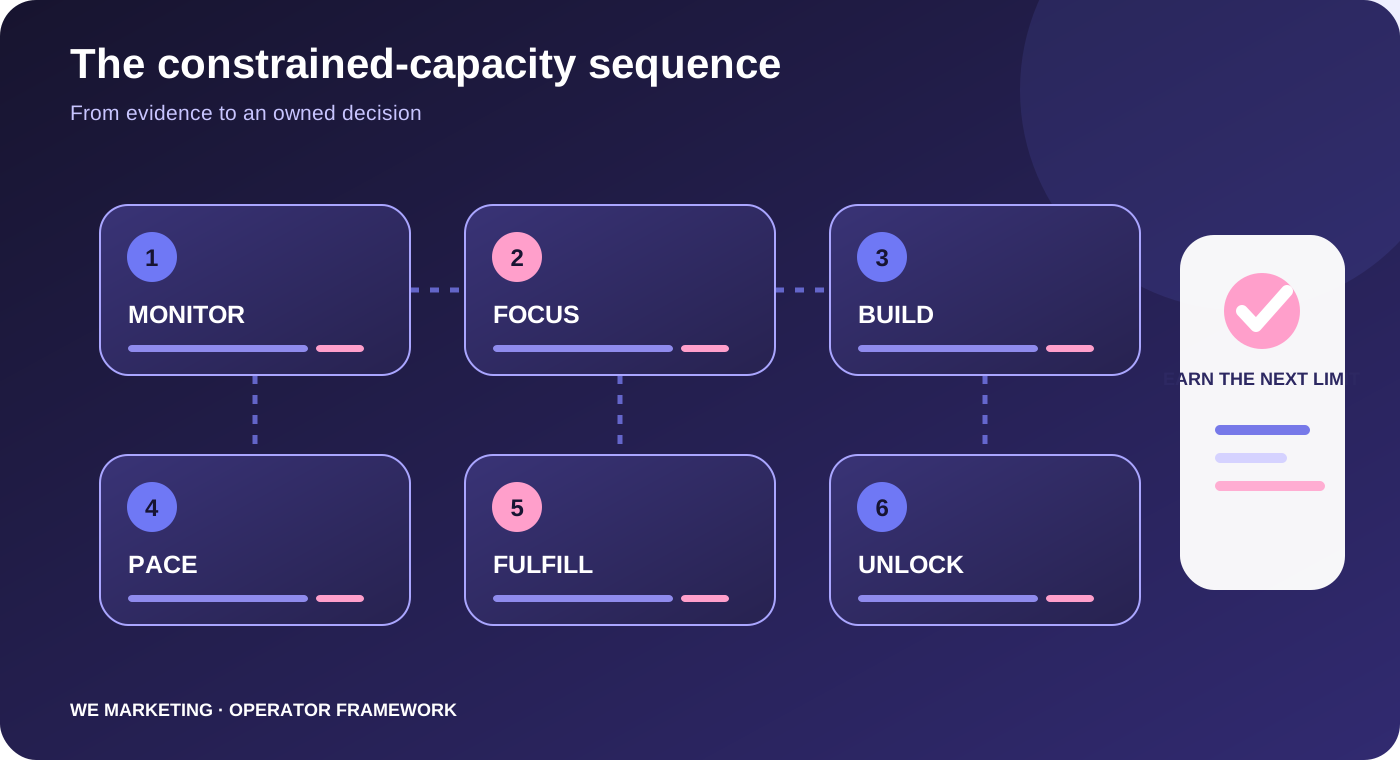
Review probation checklist progress, reliable fulfillment, cancellations, returns, support, content learning, and settled economics. Decide what can expand when capacity rises and what should remain paused even after graduation.
Owners and cadence prevent accidental overgrowth
The shop operator checks live limits and account health every morning. The inventory and fulfillment owner confirms sellable stock, late orders, exceptions, and the day's safe capacity. The product owner keeps the selected PDPs accurate. The creator owner limits sample approvals to what can be supported and follows content through publication. The commercial owner reviews price, discounts, commission, and contribution. One launch owner can pause traffic when the operation approaches the agreed buffer.
Hold a short daily exception check and one weekly growth review. The daily check is for risks that can hurt customers now. The weekly review decides whether to keep, repair, narrow, or expand each demand lane. Do not turn probation into a permanent emergency meeting. The purpose of the cadence is to create calm control and evidence for the next level.
Hypothetical example: do not promote all ten new listings
This is a hypothetical example, not a WEM client result. A cross-border beauty brand launches ten listings while the shop is in probation. Three products have clear demonstrations and local inventory, while the others have confusing variations and uncertain replenishment. Instead of sending all ten to creators, the team concentrates on two hero products and one basket builder. It repairs the remaining listings, uses a small creator cohort, sets an order buffer below the live OVL, and links every campaign decision to inventory and support capacity. Graduation becomes useful because the shop already knows what deserves the additional capacity.
Smallest useful next action
Open the live Probation page and create one capacity card: current stage, OVL, listing limit, open tasks, today's safe order buffer, hero products, sellable stock, fulfillment owner, support owner, demand-pause owner, and next review date. Then remove any growth action that does not fit inside that card.
Source notes and operating boundary
Primary U.S. sources revalidated on August 20, 2026 include New Shop Probation Program Requirements, Sales Accelerator, New Seller Growth Strategy Step 2, and Step 3. Limits, tiers, eligibility, tasks, rewards, UI paths, and recommendations are volatile and account-specific. Confirm the live U.S. Seller Center before execution.
Related WEM modules: shop-ready versus scale-ready, video volume versus conversion, and storefront merchandising.
Frequently asked questions
Is New Shop Probation a penalty?
The current U.S. program describes it as a standard ramp-up, not a punishment. A lower OVL can also reflect a review, so check the live account record.
Should we stop marketing until graduation?
No. Build controlled product-card, creator, and content learning inside the current fulfillment and order capacity.
How many products should a probation shop promote?
Usually start concentrated. One to three hero products are easier to support, learn from, and keep in stock than a broad catalog launch.
Can we run ads or campaigns during probation?
Only when eligible and when the product page, stock, shipping, margin, content, and pause controls can support the demand. Verify the live account.
What should we monitor every day?
Live OVL, orders, stock, fulfillment exceptions, cancellations, support issues, account health, active traffic levers, and any creator commitment at risk.
What matters after graduation?
Keep the same operating discipline. More capacity is useful only when the shop already knows which products and demand paths deserve it.