TIKTOK SHOP U.S. · BFCM OPERATIONS
TikTok Shop BFCM 2026 Eligibility: Build a Daily Readiness Dashboard Before You Register
Direct answer: BFCM eligibility is not a one-time registration result. TikTok Shop’s current U.S. guide says seller performance is monitored daily, so a shop that registers can still lose campaign benefits when health, fulfillment or product conditions change. Build a short daily dashboard before registering, then keep it live through the campaign.
The official 2026 guide, dated September 20 and applicable to the United States, lists an SPS of 3.5 or higher, a 30-day Late Dispatch Rate of 20% or lower, account-health checks, and products that are compliant, buyable, in stock and ready to ship. A newer shop without an SPS may be checked against serious violations in the prior 30 days. TikTok also says an SPS below 3.0 can revoke campaign benefits. These are platform rules. The dashboard below is WEM’s operating method for observing them; it does not predict approval.
Start with the live campaign page, not a copied checklist
In Seller Center, go to Marketing > Campaigns, open the BFCM campaign details and read the current shop status. Use the Shop Criteria view for the current SPS, then use Register Products to see each item’s status such as Under review, Approved, Rejected or Scheduled. Screenshot or export the status only if it is permitted by your internal policy. Put the URL or screen name, timestamp and owner in the dashboard.
A green-looking card is evidence for that moment, not a promise for November. Treat a missing field as unknown, not as passing. Do not substitute an old weekly report, a creator dashboard, or a campaign invitation for the current Seller Center readback.
The four rows to review every operating day
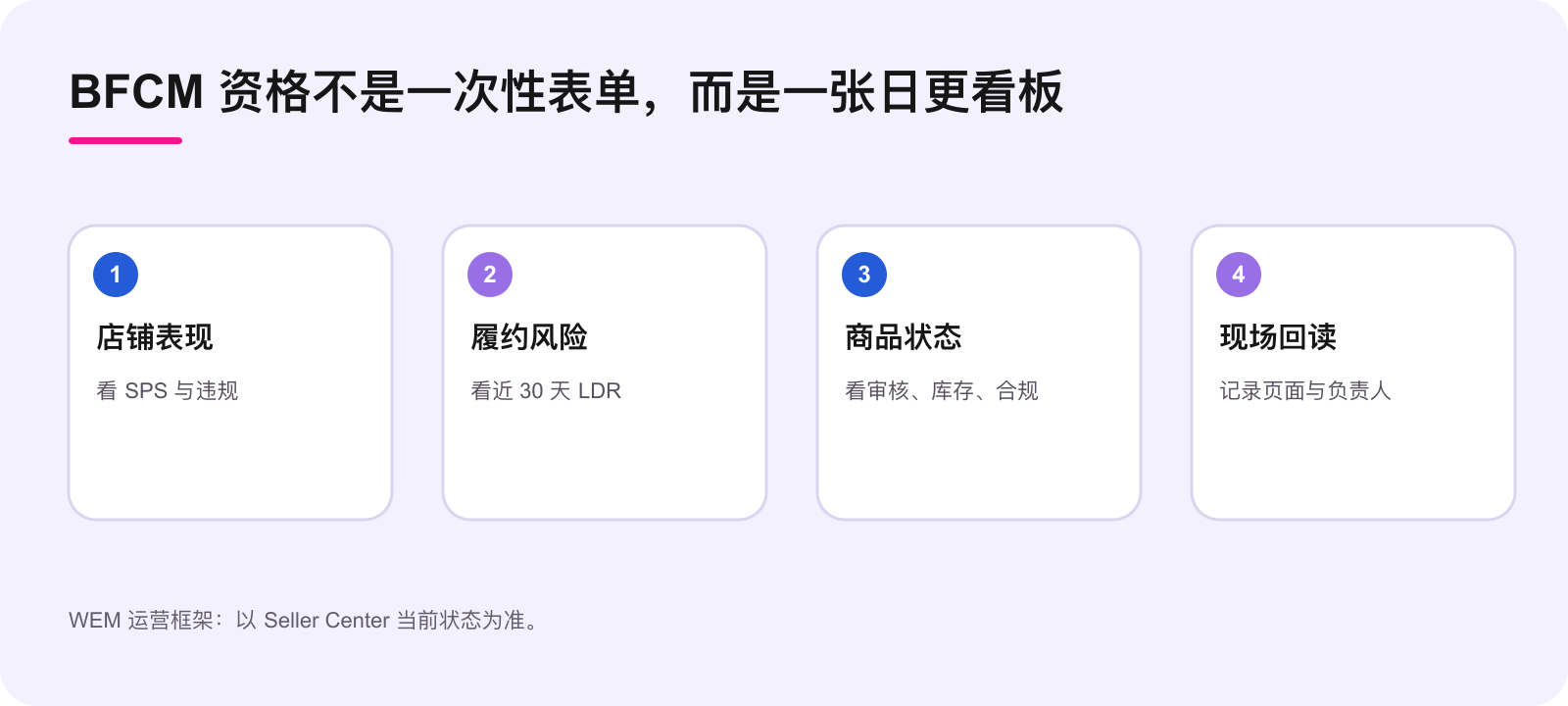
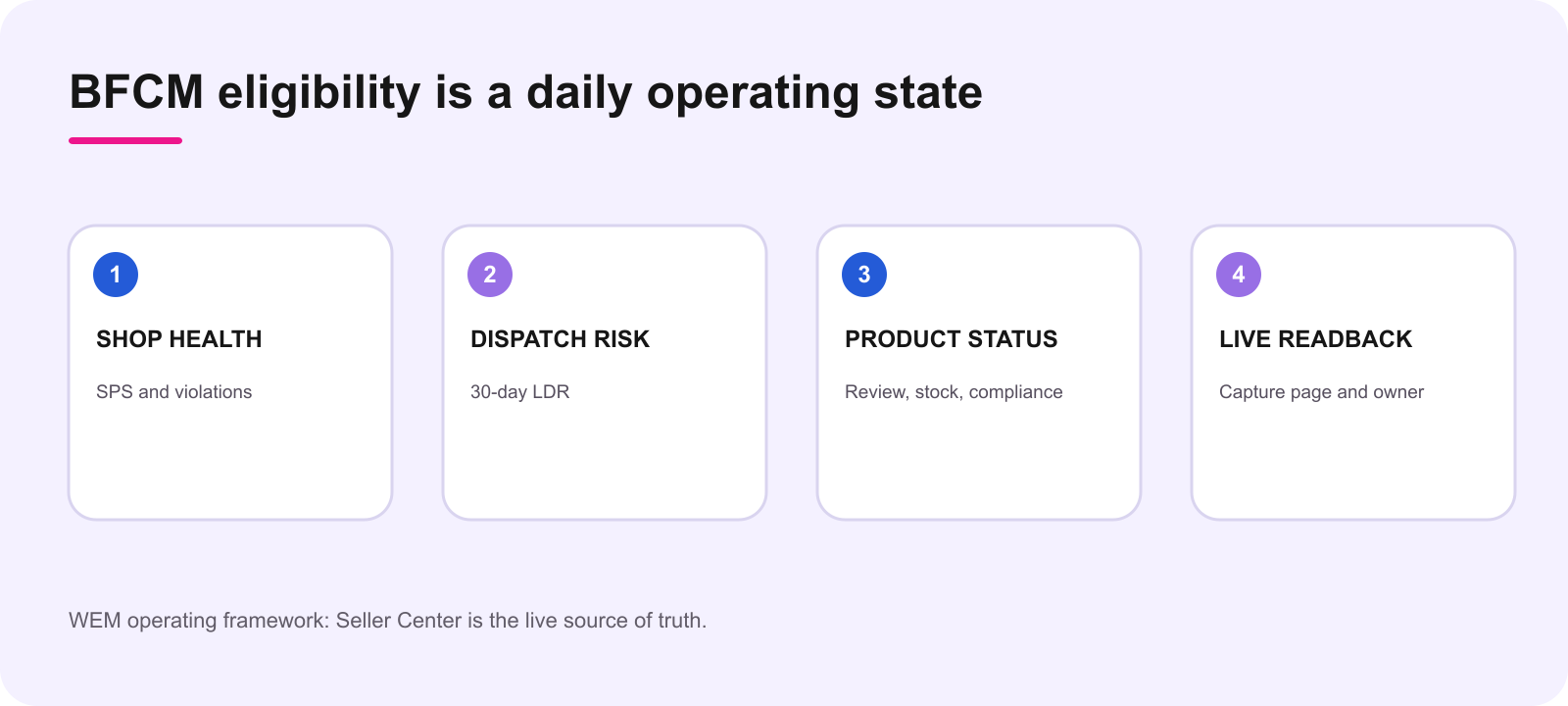
| Control | What to read live | Owner | Stop or escalation |
|---|---|---|---|
| Shop performance | SPS and serious-violation notices | Shop lead | Below guide threshold, new serious violation, or status unknown |
| Fulfillment | 30-day LDR, overdue orders, warehouse capacity | Fulfillment lead | LDR above 20% or an unshipped-order pattern |
| Account health | AHR and current enforcement/risk notices | Compliance owner | Restriction, temporary enforcement or unresolved risk notice |
| Product readiness | Review label, stock, listing truth, IP/content status | Catalog owner | Rejected, out of stock, misleading, unavailable warehouse or OVL |
For each row, record: today’s live value or label, the evidence location, owner, next decision and a due time. That small ledger makes “we thought it was fine” diagnosable. It also keeps the team from changing price, inventory or listing copy without seeing the campaign consequence.
Separate shop eligibility from product eligibility
A shop can be eligible while a SKU is not. The guide calls out high complaint rates, inaccurate or noncompliant listing content, IP issues, unavailable inventory, Holiday Mode, an unavailable warehouse, Order Volume Limits and account-risk issues as reasons a product can be rejected or removed. The correct response depends on the observed label. Restock when stock is the problem; correct a listing when the listing is the problem; investigate underlying fulfillment or health causes when the shop is constrained. Never label a product “approved” based only on shop eligibility.
If a SKU was removed, use the live reason first. TikTok says some corrected products can be re-registered; it also notes that some risk-related or high-complaint cases may not offer an online appeal. Log the exact status and path shown to the account before assigning a remedy or support request.
Set a daily decision rhythm before registration
- Morning: read Campaign Details, Shop Criteria and product registration status.
- Midday: compare inventory, open orders and warehouse capacity with planned traffic and content.
- Before any campaign change: have catalog, fulfillment and compliance owners confirm their row.
- Close: store the evidence timestamp, owner, action and next readback. Escalate unknown or failed controls instead of averaging them away.
This is deliberately narrow. It is not a substitute for the product preflight, pricing calculation, creator review or returns plan. Those are separate operational decisions. The dashboard’s job is to answer one question cleanly: can this shop and this SKU remain in the campaign today?
Use thresholds as signals, not as a reason to stop watching
The guide gives a seller baseline of SPS 3.5 or higher and LDR 20% or lower, while describing AHR above 150 as ideal and an SPS below 3.0 as a possible benefit-revocation point. Do not turn the space between those figures into a safety margin you can spend. Account conditions and interface labels can change. Keep the live campaign page as the final account-level source, and use the dashboard to reveal trend, owner and corrective action early.
Smallest useful next action
Create four rows today: Shop Criteria, 30-day LDR, Account Health, and Register Products. Add one named owner to each. Have them open the live Seller Center page, enter the exact status or unknown, and attach the timestamp. Only then decide whether registration or SKU changes should move forward.
Source notes
Official source: TikTok Shop, 2026 Black Friday & Cyber Monday Seller Campaign Guide, dated September 20, 2026, U.S. The campaign guide states BFCM runs November 11–30 PT and describes eligibility, product conditions, ongoing monitoring and Seller Center paths. Platform rules, thresholds, product availability and interface labels can change. Verify the current live account view before acting. WEM’s dashboard is operating guidance, not legal advice or an approval guarantee.
Make the dashboard decision-ready, not decorative
A useful dashboard does not need twenty columns. It needs enough fields to make a decision reviewable tomorrow: the live metric or label, the source screen, the time checked, the named owner, the risk direction, the corrective action and the next readback time. Add a separate note when an operational change has been made, such as a stock adjustment or listing correction. That preserves the difference between a platform fact and the team response.
Use an explicit status vocabulary. Pass means the current live evidence meets the relevant campaign condition. Watch means the team has evidence but a trend, capacity issue or pending review needs a deadline. Stop means a control blocks a SKU or needs escalation before campaign work continues. Unknown means evidence is missing. The last label matters: it prevents a blank cell from turning into implied approval.
At the daily review, do not compress four owners into one generic campaign-health line. The shop lead can read the criterion, but the fulfillment lead owns capacity and dispatch behavior; the catalog owner owns product truth and stock; the compliance owner owns notices and escalation. One person can close the dashboard, but each piece of evidence should retain its functional owner.
让看板可以决策,而不只是好看
一张有用的看板不需要二十列。它只需要让明天的人也能复核今天的决定:实时数值或标签、来源页面、查看时间、明确负责人、风险方向、纠正动作和下一次回读时间。库存调整、商品页修正等运营改动要单独写备注,这样才能分清平台事实与团队回应。
建议固定四个状态词。通过表示当前实时证据符合相关活动条件;观察表示已有证据,但趋势、产能或待审核项需要期限;停止表示某项控制已经阻断 SKU 或必须升级;未知表示证据缺失。最后一个状态很重要,它避免空白格被误读成默认通过。
每天复盘时,不要把四位负责人的信息压缩成一行模糊的活动健康。店铺负责人可以读取活动条件,但履约负责人拥有产能和发货行为,商品负责人拥有商品事实和库存,合规负责人拥有通知与升级。可以指定一人收口看板,但证据应保留原本的职能负责人。
Frequently asked questions
What SPS does the guide list for BFCM 2026?
The current guide lists SPS of 3.5 or higher. A newer shop without a score may be checked on serious violations over the prior 30 days; use Seller Center for the account’s current result.
Does registering once guarantee campaign access?
No. The guide says performance is monitored daily, and benefit eligibility can change when shop, fulfillment or product conditions change.
Where do I check product status?
Use the BFCM campaign’s Register Products page in Seller Center and record the current label, such as Under review, Approved, Rejected or Scheduled.
Can an eligible shop have a rejected product?
Yes. Product-level stock, listing, complaint, policy, IP, warehouse or operational conditions can differ from the shop’s eligibility state.
What should the dashboard do with a missing metric?
Mark it unknown, name an owner and set a readback deadline. Do not treat missing evidence as passing.
Should we appeal every removal?
No. First read the specific live reason and correct the underlying issue. Some situations may not offer an online appeal path.